SNMP Agent
The SNMP Management agent enables access to system inventory and monitoring and provides support for alarms using the industry standard management protocol: Simple Network Management Protocol (SNMP). This agent serves OVOC, NMS, or higher-level management system synchronization. This menu includes the following options:
|
■
|
Stop and start the SNMP agent |
|
■
|
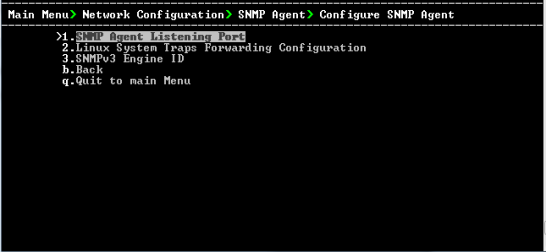
Configure the SNMP agent including: |
|
➢
|
To configure SNMP Agent: |
|
1.
|
From the Network Configuration menu, choose SNMP Agent, and then press Enter. |
SNMP Agent
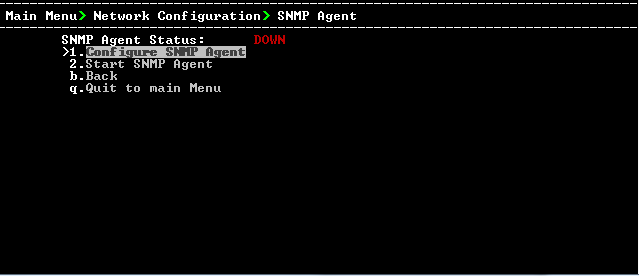
The SNMP Agent status is displayed.
|
➢
|
To start the SNMP Agent: |
|
➢
|
To configure SNMP Agent: |
|
1.
|
Choose option 1, and then press Enter. |
Configure SNMP Agent